Your Idea to a
Commercial
Powered by AI
Helping people create AI content that is actually good.
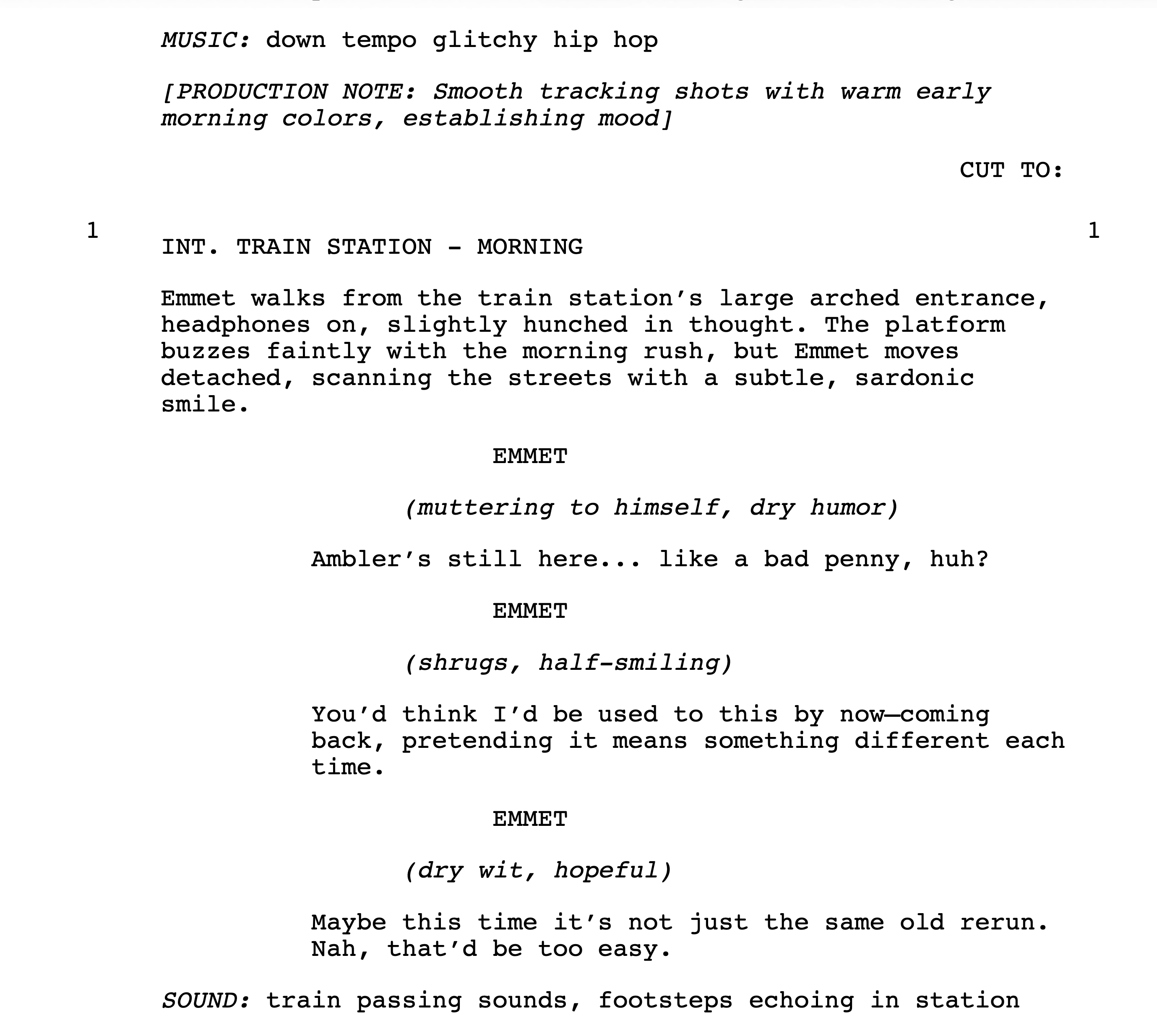
Take your rough story ideas all the way to complete scripts, with great dialogue, action, shot lists, first/last frames, and prompts to load into your video generator of choice.

📝 Generate Your Script
Transform your rough ideas into a professionally formatted script. Our AI takes your concept and creates complete scenes with dialogue, action, and production notes.
- Director Style: Choose from Spielberg, Nolan, Tarantino, and more
- Writer's Style: Set the tone and voice of your story
- Distribution Type: Feature films, shorts, commercials, micro dramas
- Camera & Lens Settings: Define your visual language
- Lighting & Mood: Set the atmosphere for your scenes
- Download Options: Export professionally formatted scripts or detailed shot scripts
🎬 Refine Your Scenes
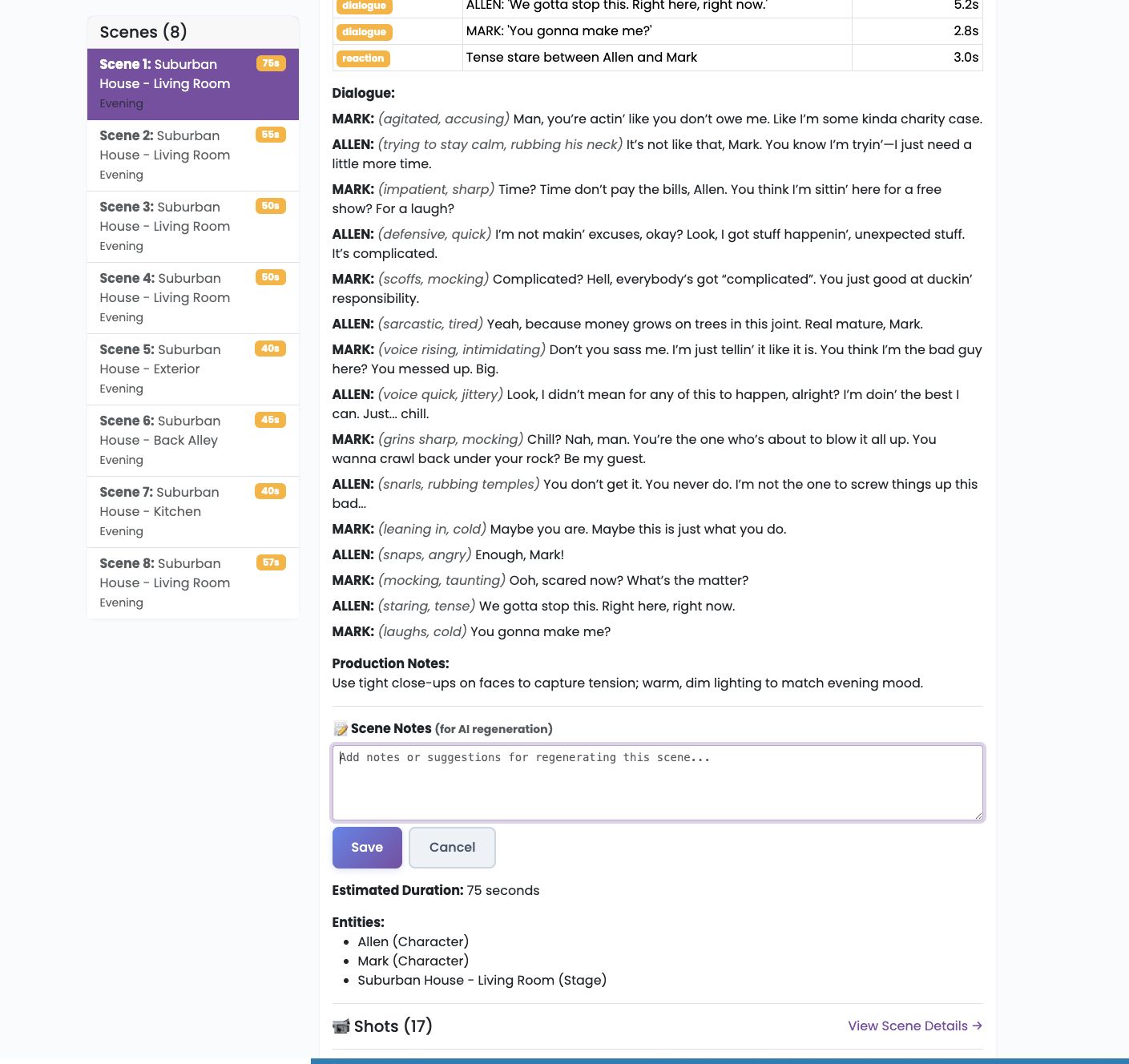
Granular control over every scene. Edit dialogue, action, and production notes. Add your own creative notes and selectively regenerate only the scenes you want to change.
- Edit & Annotate: Add notes to guide regeneration
- Lock Scenes: Protect scenes you love from changes
- Selective Regeneration: Regenerate only unlocked scenes
- Context Preservation: AI uses locked scenes for story continuity
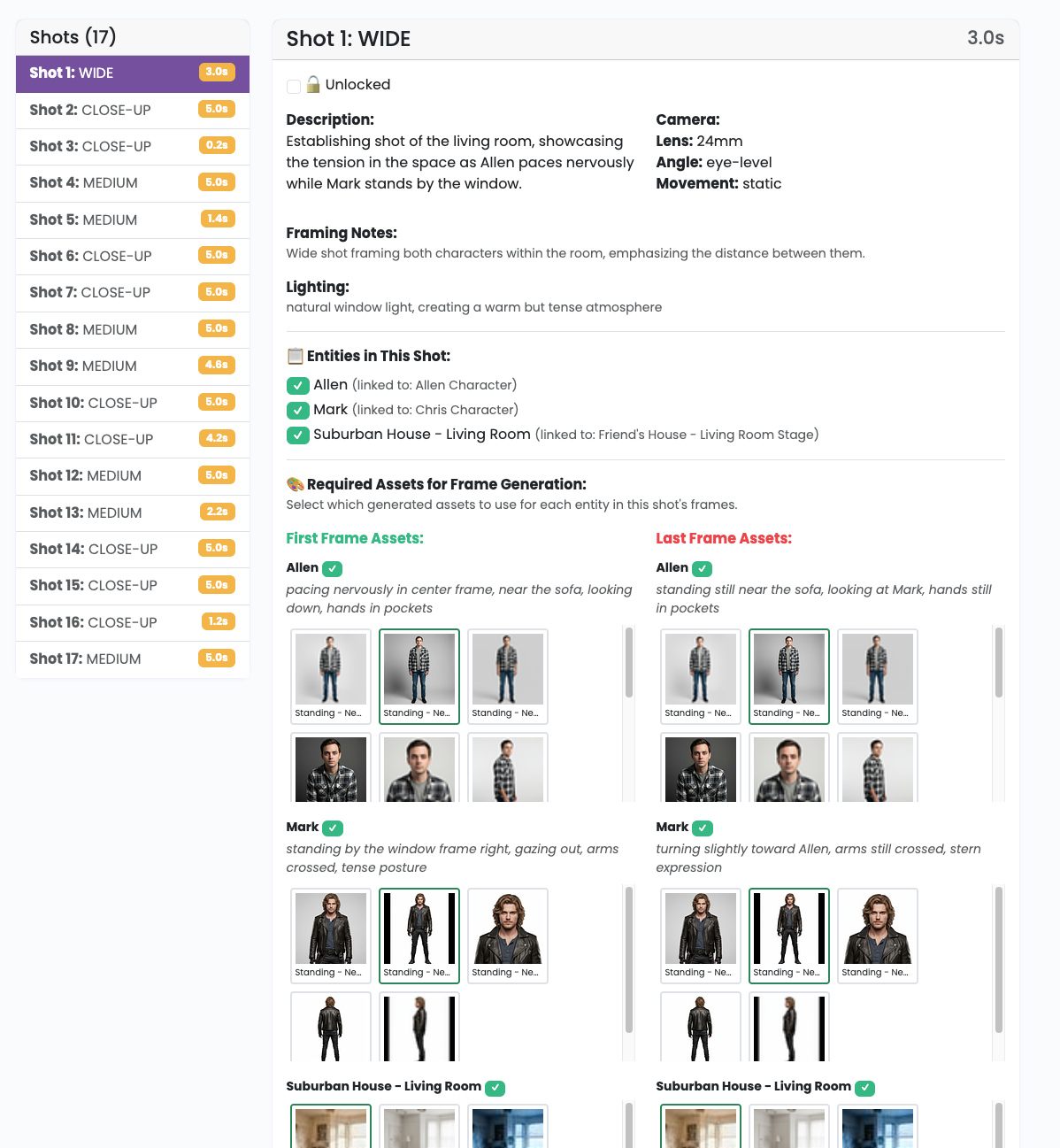
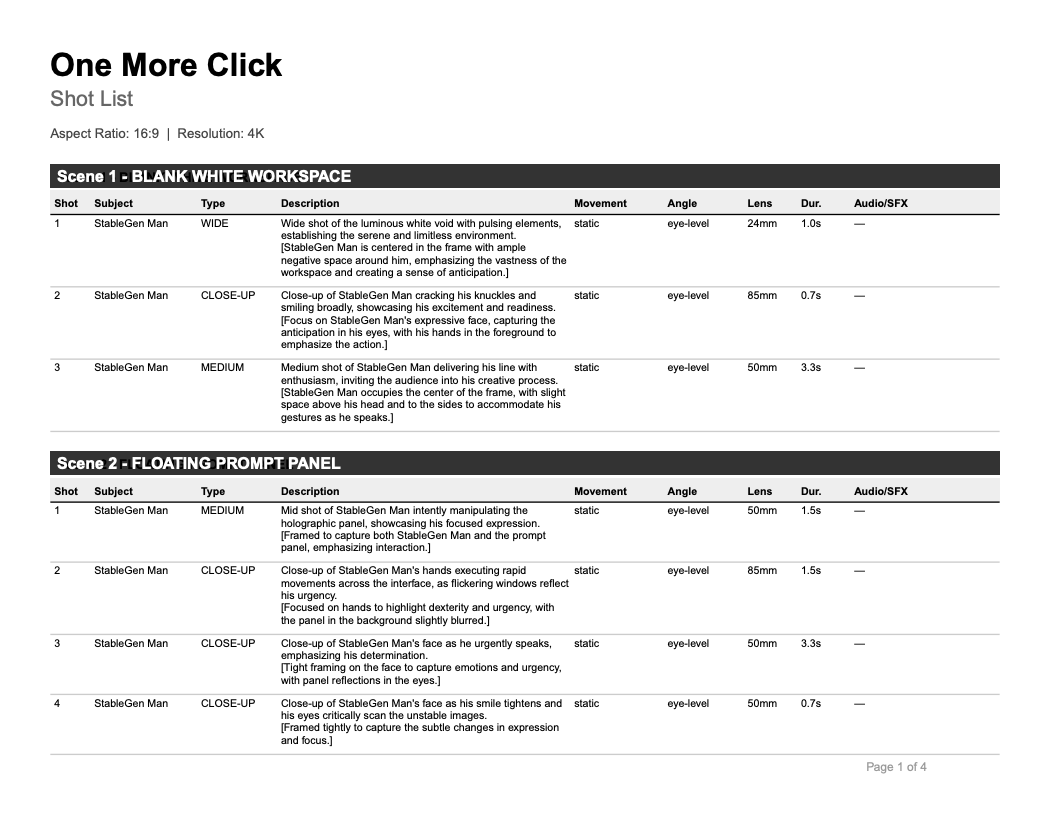
🎥 Create Shot Lists
Full, detailed shot breakdowns. Every scene gets a complete shot list with camera angles, movements, lighting, and timing. Each shot includes prompts for video generation.
- Camera Direction: Precise framing and composition
- Movement & Angles: Pan, tilt, dolly, and more
- Lens Selection: From wide to telephoto
- Lighting Setup: Match your mood and style
- Video Prompts: Ready for AI video generators
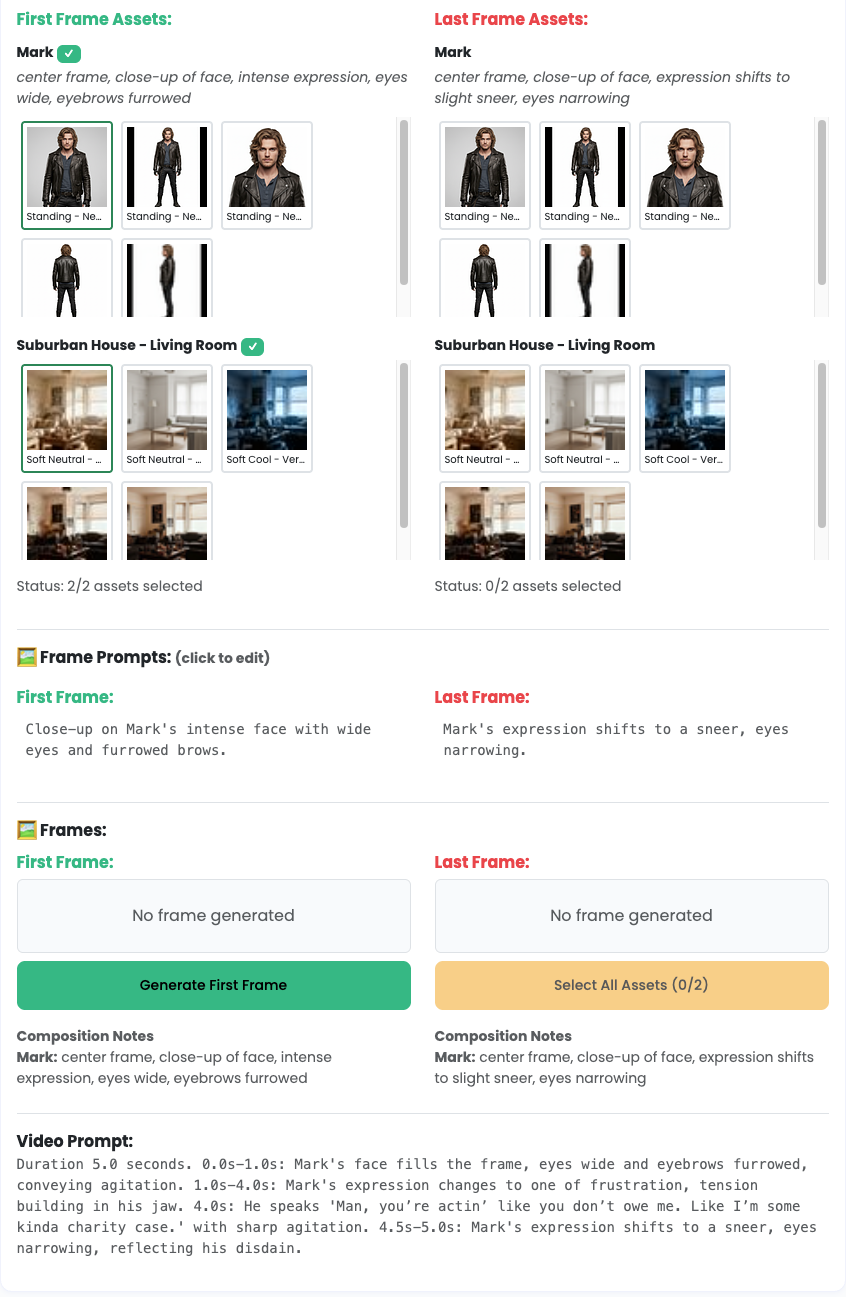
🧩 Composite Frames & Reference Images
Build model-ready visual references for each shot. Combine character assets, stage assets, and frame composition notes into consistent frame inputs that drive better video generation.
- Asset Linking: Connect script entities to character and stage libraries
- Per-Shot Compositing: Define exactly how references should appear in frame
- Reference Frame Selection: Prepare first, last, and supporting reference images
- Prompt + Visual Sync: Keep frame prompts aligned with your chosen assets
- Consistency at Scale: Maintain character and environment continuity across clips
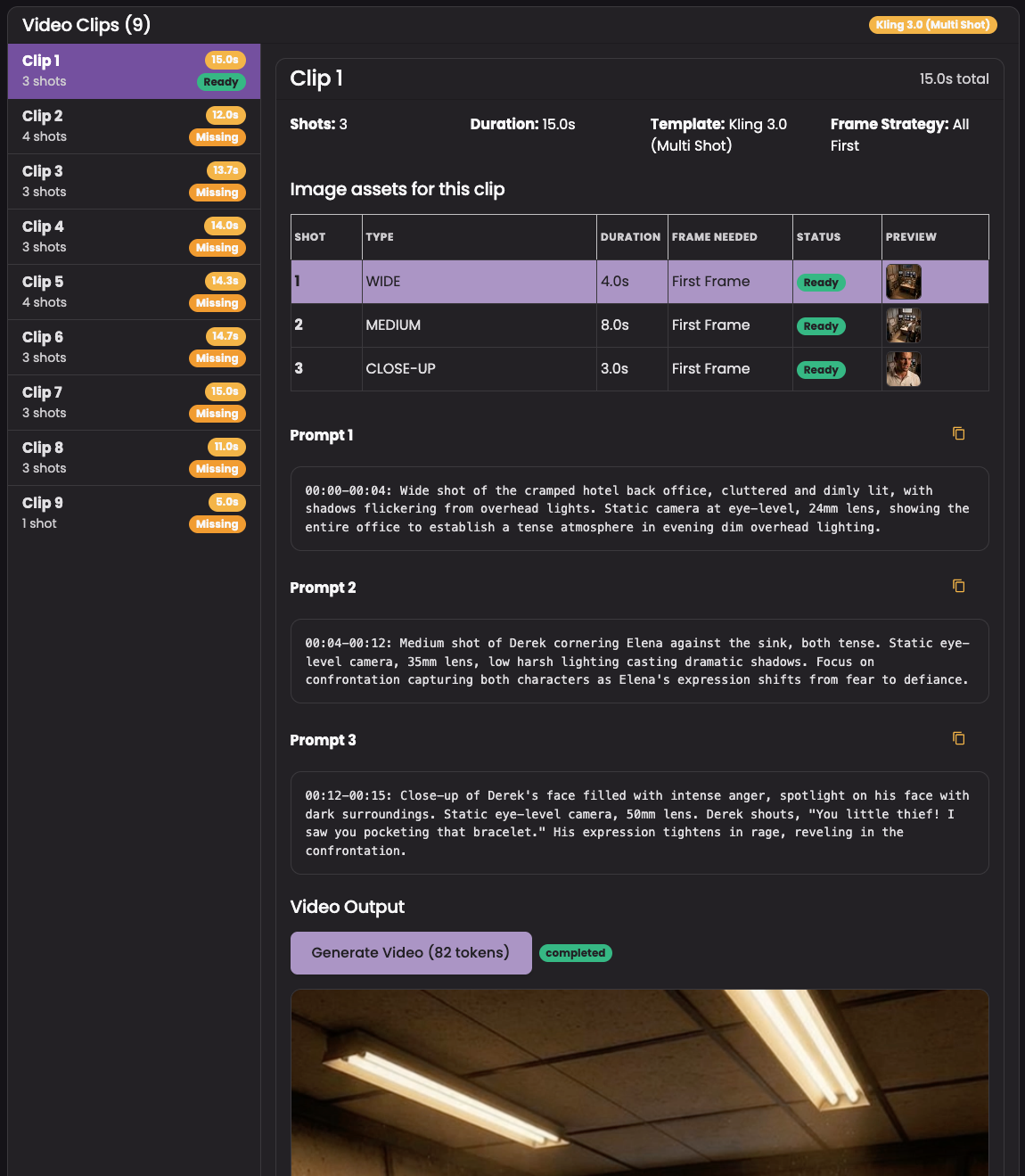
🎞️ Build Video Clips
Turn shots into generation-ready clips. StableGen groups shots, carries forward prompts and reference frames, and prepares the exact payload needed for your selected video production method.
Supported generators: Veo 3.1 (Multi Shot), Veo 3.1 (First/Last Frame), Sora 2 (First Frame), Kling 3.0 (Multi Shot), PikaFrames (Multi Shot), and WAN 2.6 (Multi Shot).
- Shot Grouping: Bundle shots based on your production method
- Model-Aware Templates: Use the right frame strategy for each model path
- Prompt Controls: Edit and regenerate clip prompts before render
- Version Tracking: Keep multiple clip outputs and compare results
🚀 Ready to Start Creating?
From a simple idea to production-ready frames and prompts - all in one platform.
Get Started FreeHow Character Asset Generation Works
Three simple steps to generate consistent character assets
Upload Base Image

Start with a single image of your character. Any pose or angle works!
AI Generation
AI text and image analysis is performed on your character allowing us to generate consistent poses and expressions.
Download Assets
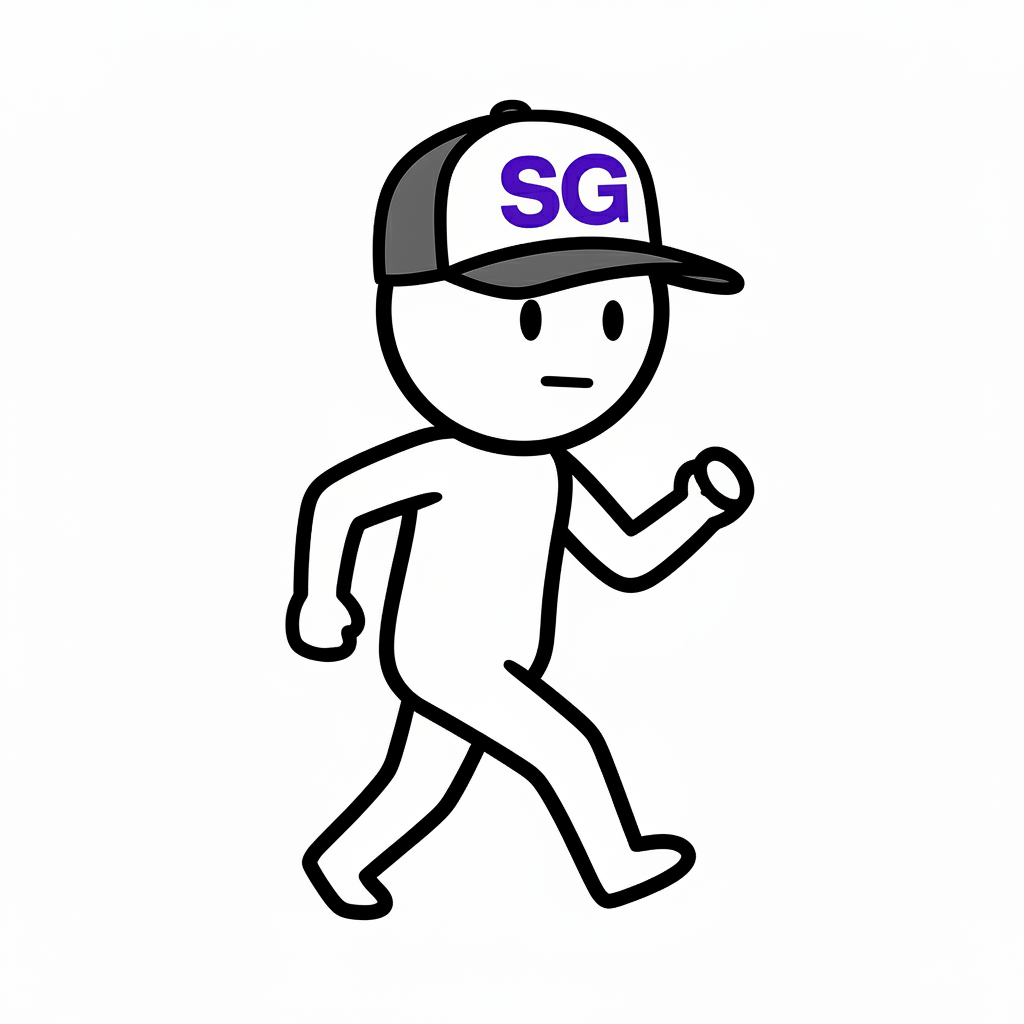

Get high-quality assets ready for your projects, storyboards, and marketing materials.
See What's Possible
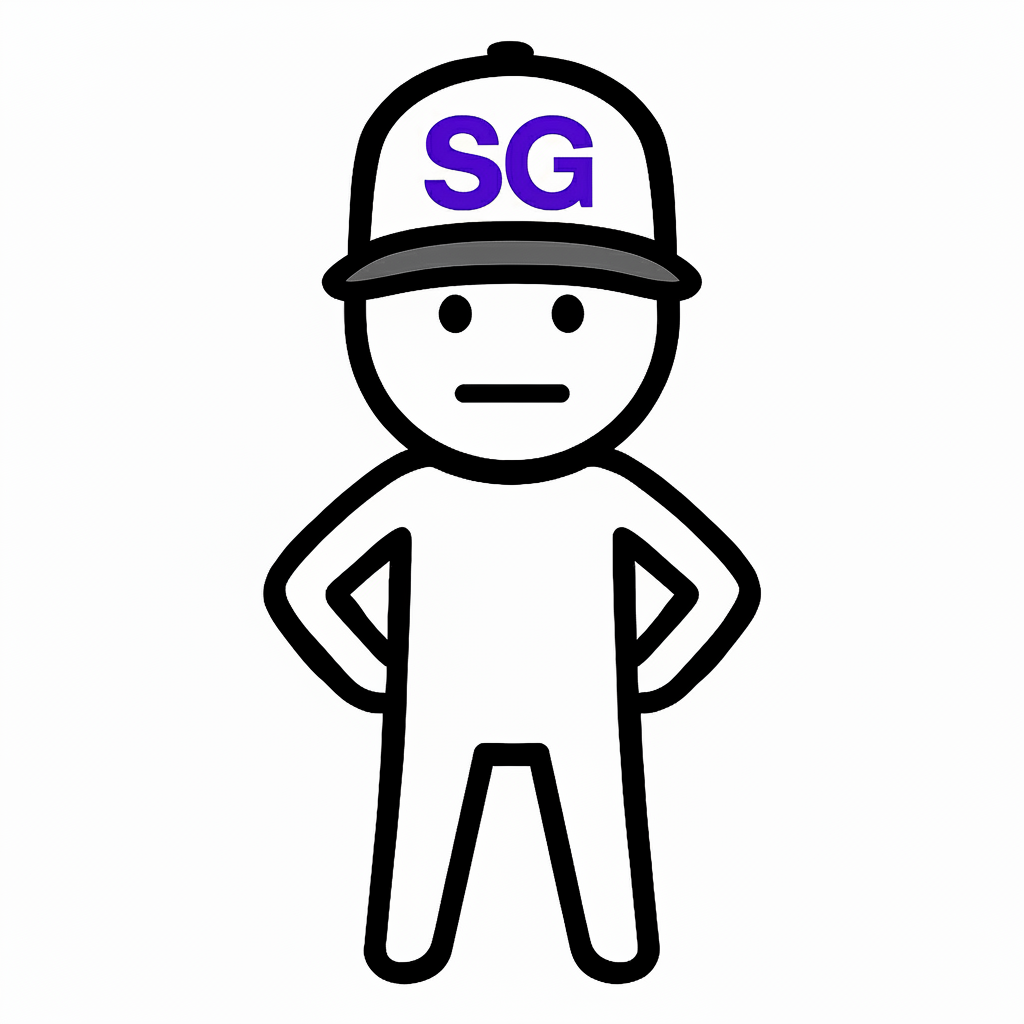
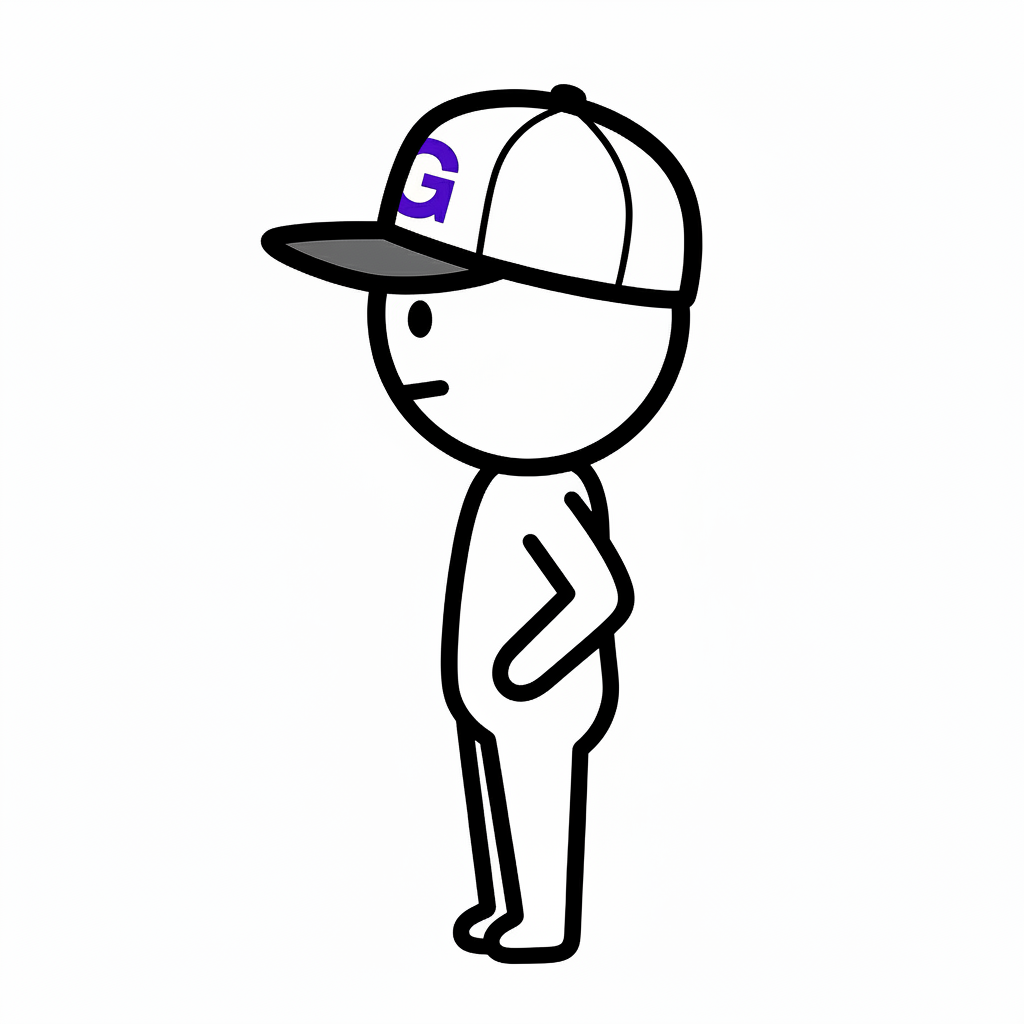
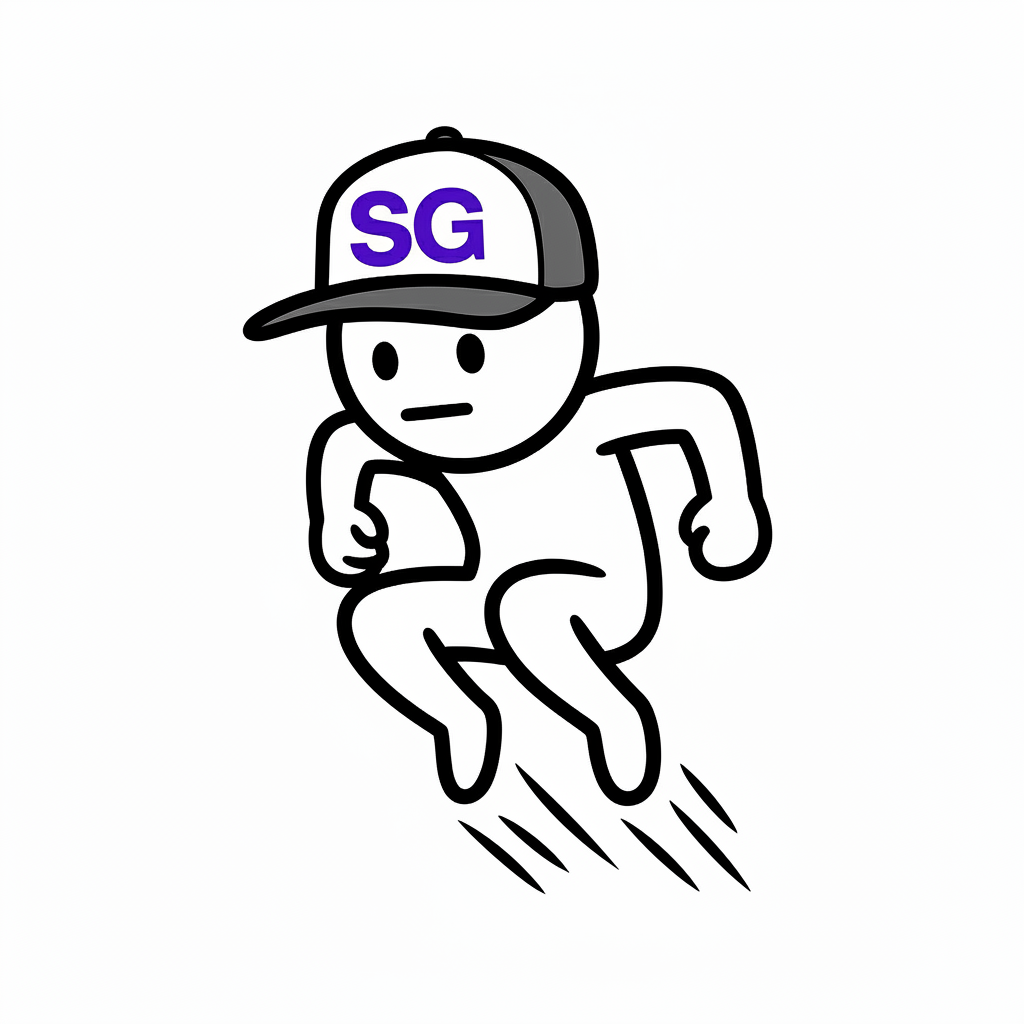
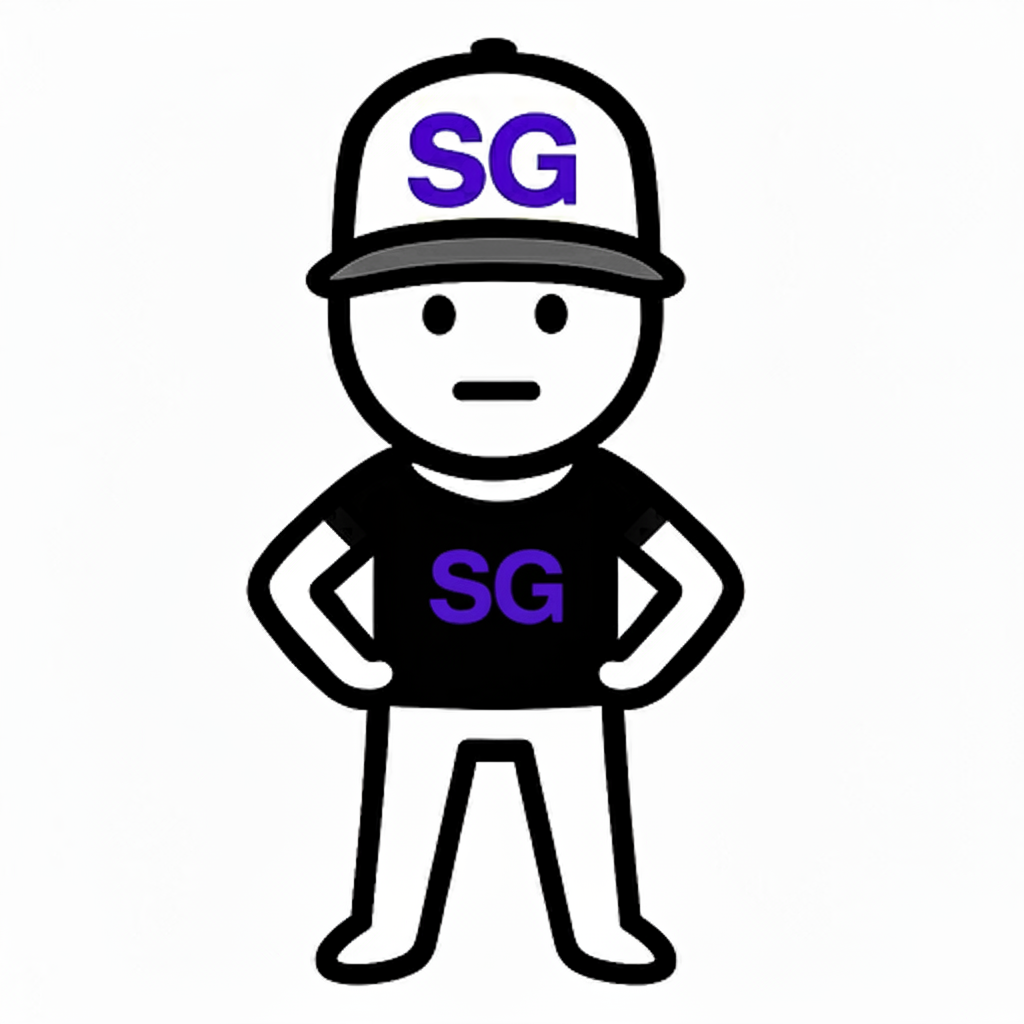
All generated from a single base image of "StableGen Man"
With over 140,000 possible combinations of actions, expressions, zoom levels, camera angles, camera heights, and lighting - every asset is uniquely tailored to your needs.

Create Stunning Stages
Transform environments with different art styles, weather, and atmospheric conditions
🎭 Environmental Generation
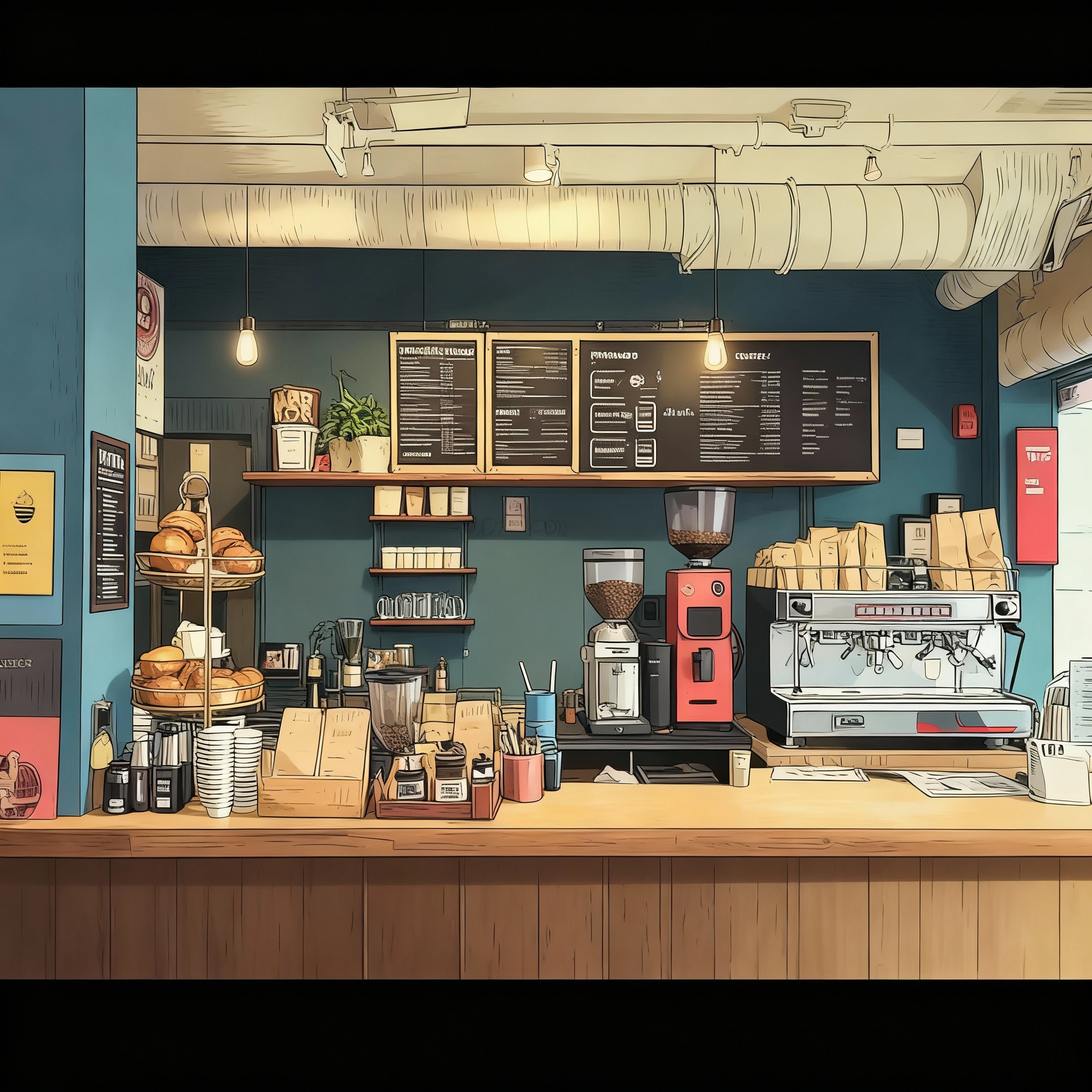
Build your world. Create background environments and settings for your characters. Upload a reference image and generate variations with different artistic styles, times of day, weather conditions, and moods.
- Art Styles: Pixel art, watercolor, oil painting, photorealistic, and more
- Time of Day: Dawn, noon, dusk, night - each with unique lighting
- Weather: Clear skies, rain, snow, fog for different atmospheres
- Mood: Peaceful, dramatic, mysterious, energetic settings
Perfect for: Visual novels, game backgrounds, storyboards, and creating consistent environments across your project.
💡 Combine with Characters: Use the canvas editor to place your character assets onto stage backgrounds for complete scenes!
Create Beyond Imagination
From simple prompts to complex compositions – your creative vision, amplified by AI
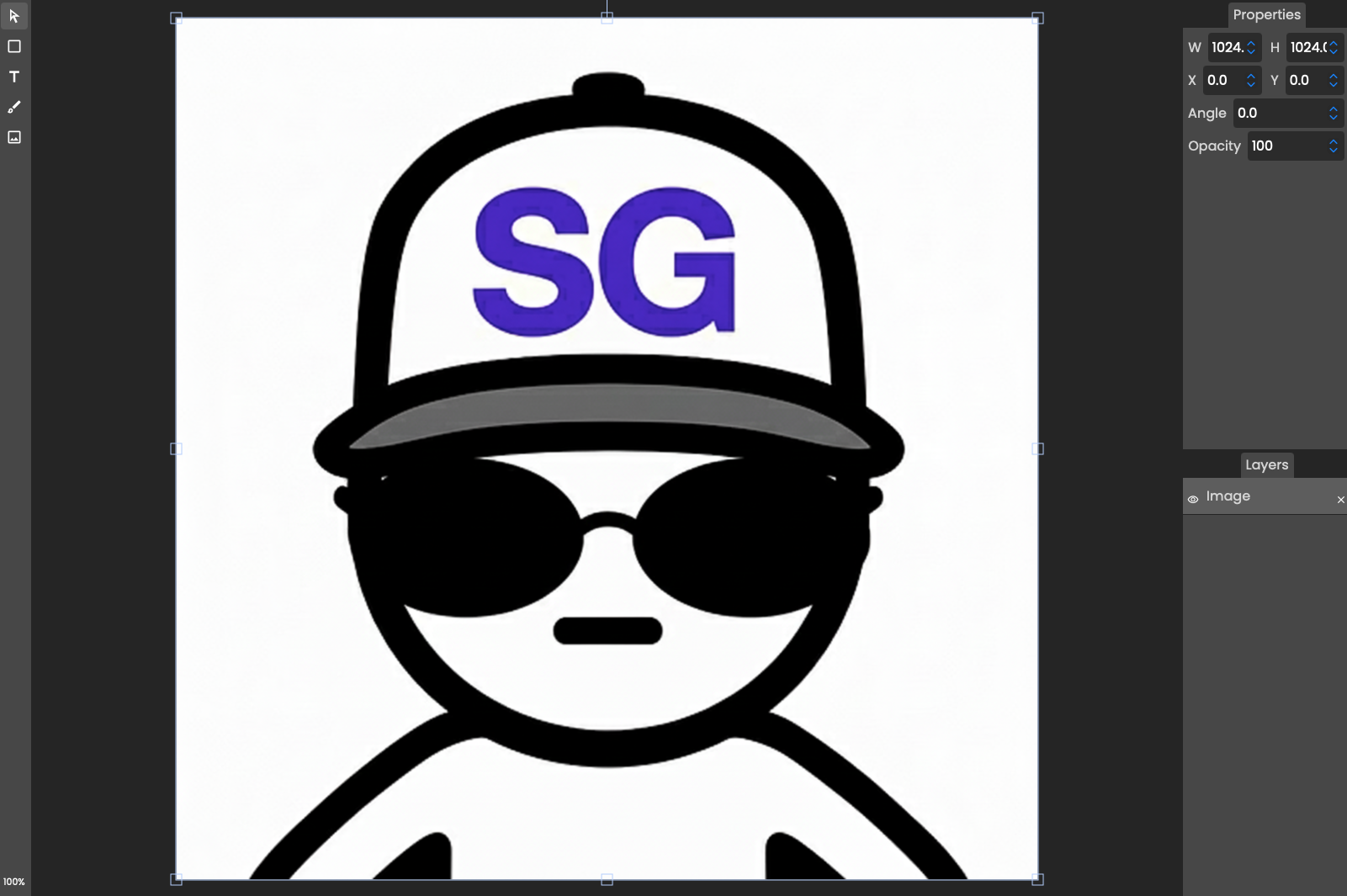
🎨 Canvas Editor
The full creative suite. Compose, draw, add text, and layer images together. Sketch poses for your characters, then let AI bring them to life with professional quality.
- Multi-layer compositing
- Drawing & sketching tools
- Text and shape overlays
- AI enhancement integration
Best for: Complex compositions, creative experiments, and combining multiple elements into professional artwork.
🎭 Precision Inpainting
Paint exactly where to make changes. Draw directly on your image to mark specific areas for regeneration. The AI only changes what you've masked, preserving everything else perfectly.
- Fix problematic hands or faces
- Replace specific objects or clothing items
- Edit backgrounds without affecting characters
Best for: Surgical precision edits, fixing specific problems, and replacing individual elements while keeping everything else unchanged.
✨ Prompt Generation
Start with words, create with intelligence. Describe your character and watch multiple AI models compete to bring your vision to life with stunning detail.
- Multiple AI model options
- Gemini 2.5 Flash & Seedream 4.0
- Reference image guidance
- Instant generation
Best for: Overall style changes, color adjustments, adding/removing accessories, and reference image guidance.
🚀 Pro Tip: Combine All Three
Start with a prompt, refine with inpainting, then composite in the canvas editor. Mix AI generation with your own uploads for unlimited creative control.
📚 View Image Editing Guide📋 Complete Version Management
Version History
Every edit creates a new version while preserving the original
Parent-Child Tracking
See the complete version tree of your assets
Real-time Status
Monitor progress: pending, completed, or failed
Non-destructive
Original assets are never modified or lost